



















Affiliate disclosure: This article contains affiliate links. If you click and purchase, we may earn a commission at no extra cost to you.
Table of Contents
◉ Introduction ◉ Quick Answer ◉ What Adobe Audition Is ◉ Who Should Use It ◉ What You Can Do With It ◉ How It Works (Simple Workflow) ◉ Is It Worth It? ◉ Mistakes & Tips ◉ FAQs ◉ How to Get Started
If your videos or podcasts sound amateur, people will leave—no matter how good your content is.
Bad audio is one of the fastest ways to lose attention online. Background noise, uneven volume, and poor voice clarity instantly reduce trust and engagement.
That’s where Adobe Audition comes in. It’s a professional audio editing tool designed to help you clean, fix, and improve your sound so your content feels polished and credible.
That’s where Adobe Audition comes in. It’s a professional audio editing tool designed to help you clean, fix, and improve your sound so your content feels polished and credible.
Don’t have Adobe Audition yet?
Get the professional tools you need to clean, edit, and enhance your audio step by step.
Get Adobe AuditionQuick Answer (What Is Adobe Audition Used For?)
Best for: Podcast creators, YouTubers, video editors
Main use: Audio editing, noise removal, mixing
Skill level: Beginner to advanced
Free trial: Yes
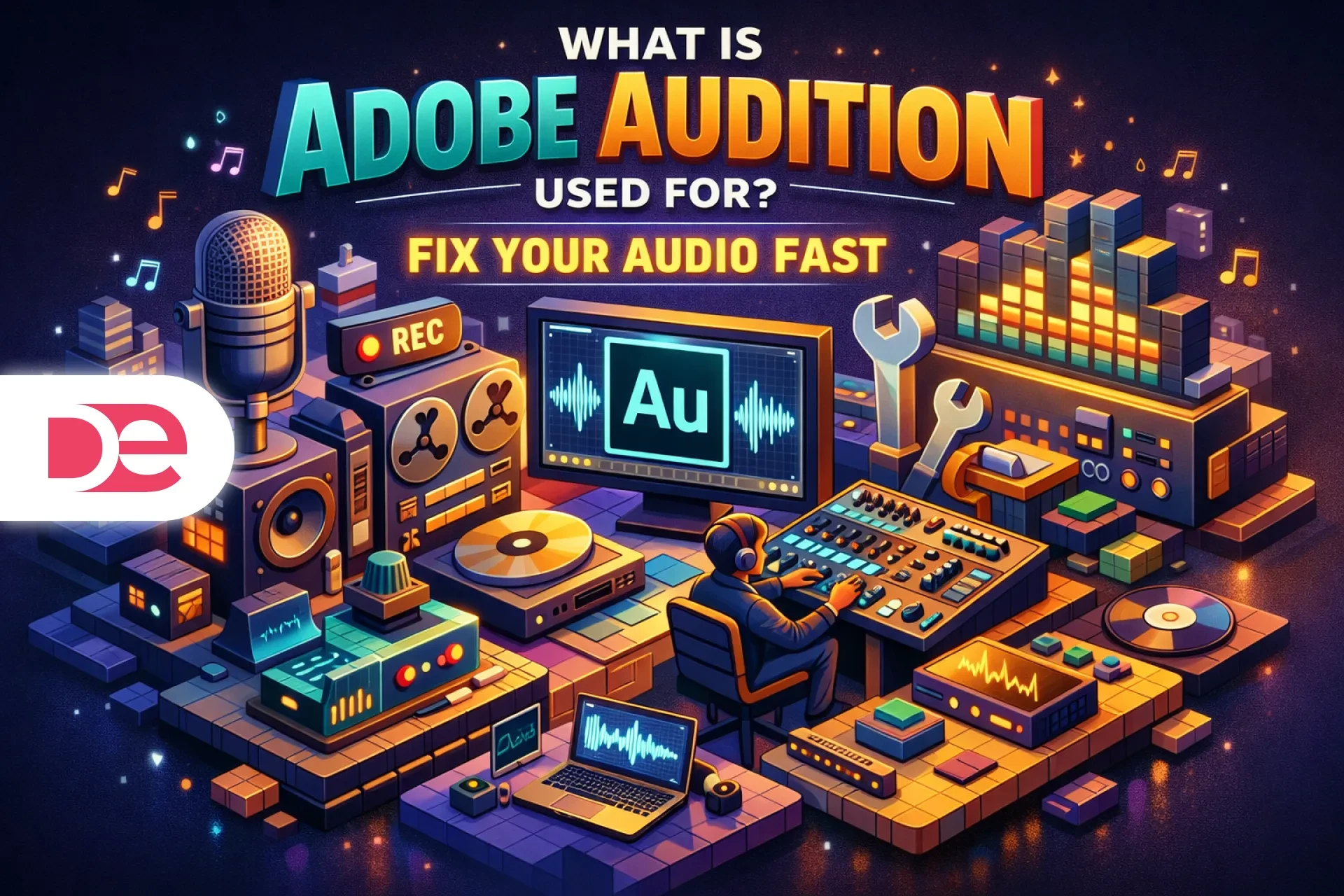
In simple terms: Adobe Audition is used to edit, clean, and enhance audio so it sounds professional across podcasts, videos, and digital content.
What Adobe Audition Is
Adobe Audition is a digital audio workstation (DAW) that allows you to:
• Remove background noise and unwanted sounds
• Edit voice recordings with precision
• Mix music and sound effects
• Balance audio levels for consistent playback
• Export polished audio for publishing
Unlike basic editors, it gives you advanced control over sound quality—making it ideal for creators who want a more professional result.
Who Should Use Adobe Audition?
You should use it if:
✔ You create podcasts or voice content
✔ You edit YouTube videos or online courses
✔ You want cleaner, more professional audio
✔ You care about sound quality and consistency
It may NOT be ideal if:
✘ You only need very basic audio trimming
✘ You want a simple one-click solution
✘ You don’t want to learn editing tools

Make Your Audio Sound Professional in Minutes
Use Adobe Audition to remove noise, improve clarity, and create clean, polished audio for your videos, podcasts, and content.
Try Adobe AuditionWhat You Can Do With It
1. Clean up recordings
Remove background noise, clicks, hum, and unwanted sounds.
2. Improve voice clarity
Make voices sound clearer, fuller, and easier to understand.
3. Mix audio tracks
Combine voice, music, and sound effects into a single polished result.
4. Adjust volume levels
Ensure your audio sounds consistent across devices and platforms.
5. Prepare content for publishing
Export audio that’s ready for YouTube, podcasts, or ads.
How It Works (Simple Workflow)
Step 1: Import your audio (voice + music)
Step 2: Remove noise and clean the recording
Step 3: Improve clarity using EQ and compression
Step 4: Add music and balance levels
Step 5: Normalize audio for consistent volume
Step 6: Export your final file
This process can turn a basic recording into a professional-sounding result in a short time.
Is Adobe Audition Worth It in 2026?
YES — if you care about audio quality.
If your content depends on voice (podcasts, videos, tutorials), improving your audio can directly increase:
• Viewer retention
• Watch time
• Perceived quality
• Trust in your content
However, if you only need quick edits, simpler tools may be enough.
Common Mistakes & Smart Tips
Mistakes
• Over-editing audio and making it sound unnatural
• Ignoring volume consistency
• Using poor recordings and trying to fix everything later
Tips
• Start with the cleanest recording possible
• Keep edits subtle for natural sound
• Use presets to speed up your workflow
• Test your audio on different devices before publishing
FAQ
How to Get Started
If you want your content to sound more professional, improving your audio is one of the fastest upgrades you can make.
Adobe Audition gives you the tools to clean, enhance, and balance your sound so your content stands out.
Start with a simple workflow, focus on clarity, and improve gradually. Even small improvements in audio quality can make a noticeable difference in how your content is perceived.
Start Using Adobe Audition Today